plot_demo*.py
- plot_demo.define_labels()
- Var:
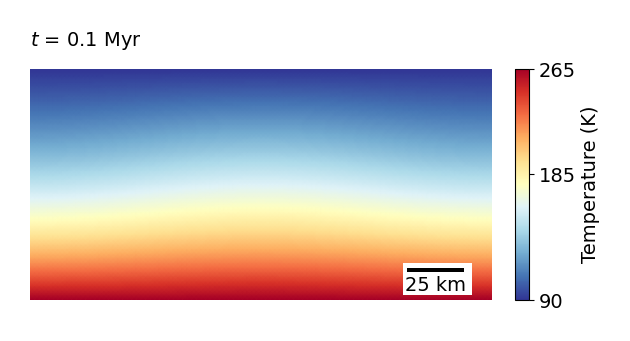
Defines labels for x and y axis, and for the scale bars.
- Vartype:
List of lists
Hint
First list defines what will be writen on the axis
x_label = ["0", "100", "200"]Second line defines what will be the corresponding numerical value
x_label_val = [0, 100e3, 200e3]Third line defines what will be the label of the axis.
x_label_text = "x (km)"
- plot_demo.define_streamlines()
- Var:
Defines the coordinates of the points from which the streamlines will be calculated.
- Vartype:
List of lists
- plot_demo.i_start
- Var:
From which step to plot? (So that the script does not need to replot already plotted data.)
- Vartype:
Integer
Attention
This parameter needs to be entered as an argument in the command line. E.g., to start plotting from step 10, run with
python plot_demo.py 10
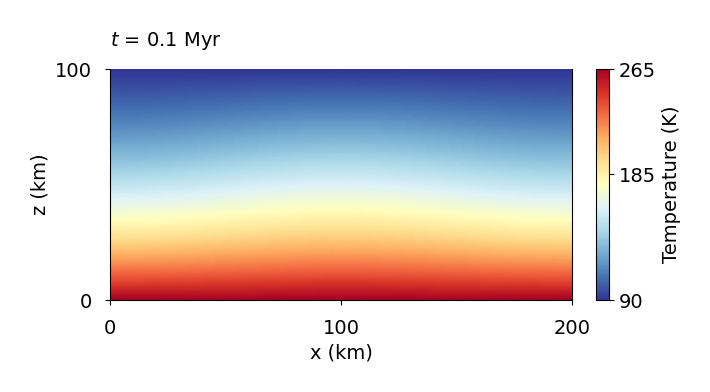
- plot_demo.plot_HDF5_data
- Var:
Whether to plot the HDF5 data from the simulation - temperature, velocity, viscosity, etc. For example, if
False, enables the tracers to be plotted alone.- Vartype:
string
- plot_demo.plot_comp_tracers
- Var:
Whether to plot streamlines based on the velocity field.
- Vartype:
boolean
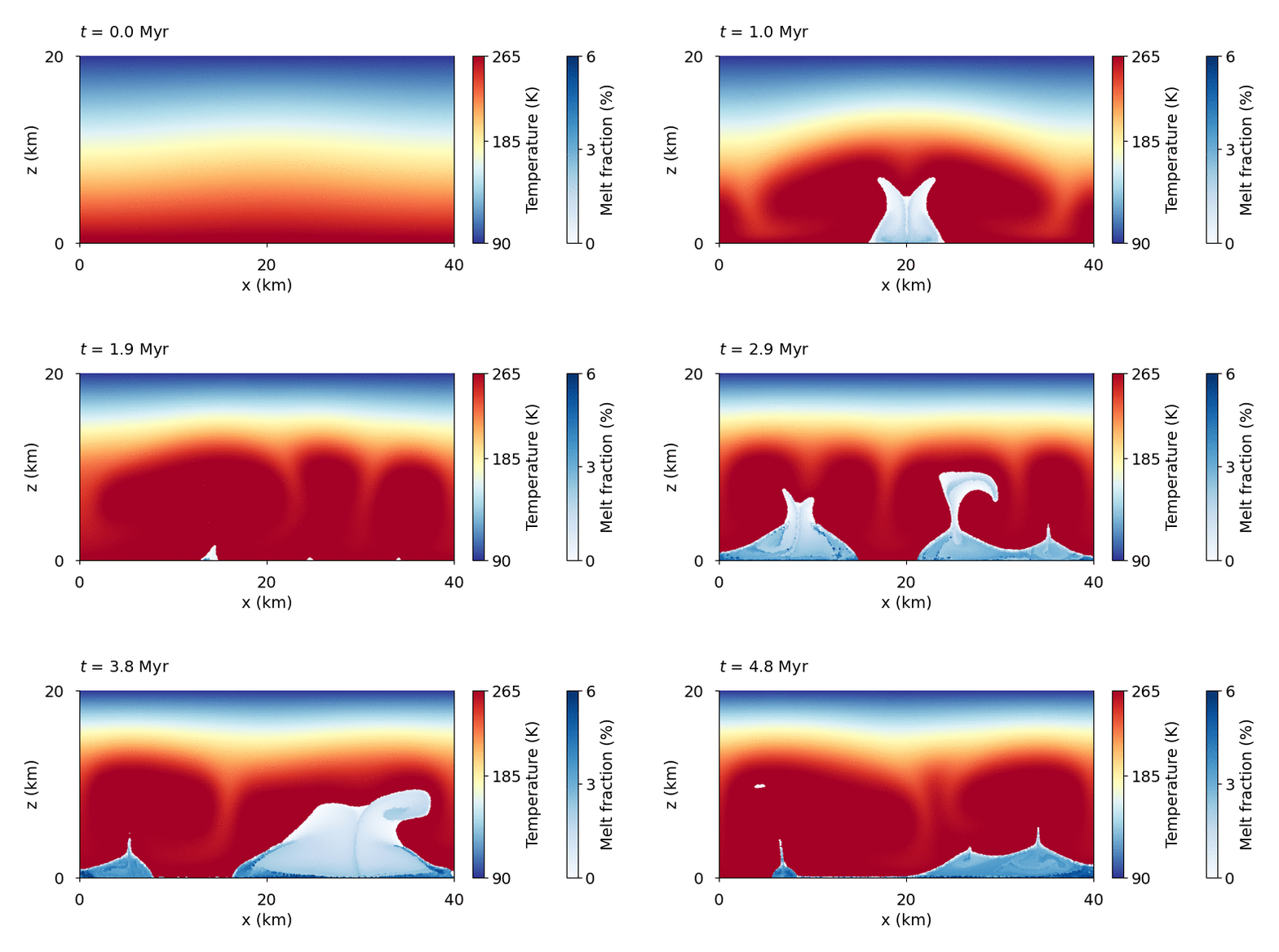
- plot_demo.plot_melt_tracers
- Var:
Whether to plot melt tracers.
- Vartype:
boolean
Simulation of tidally-induced internal melting (see Demo 5) with melt content shown on tracers.
- plot_demo.plot_streamlines
- Var:
Whether to plot streamlines based on the velocity field.
- Vartype:
boolean
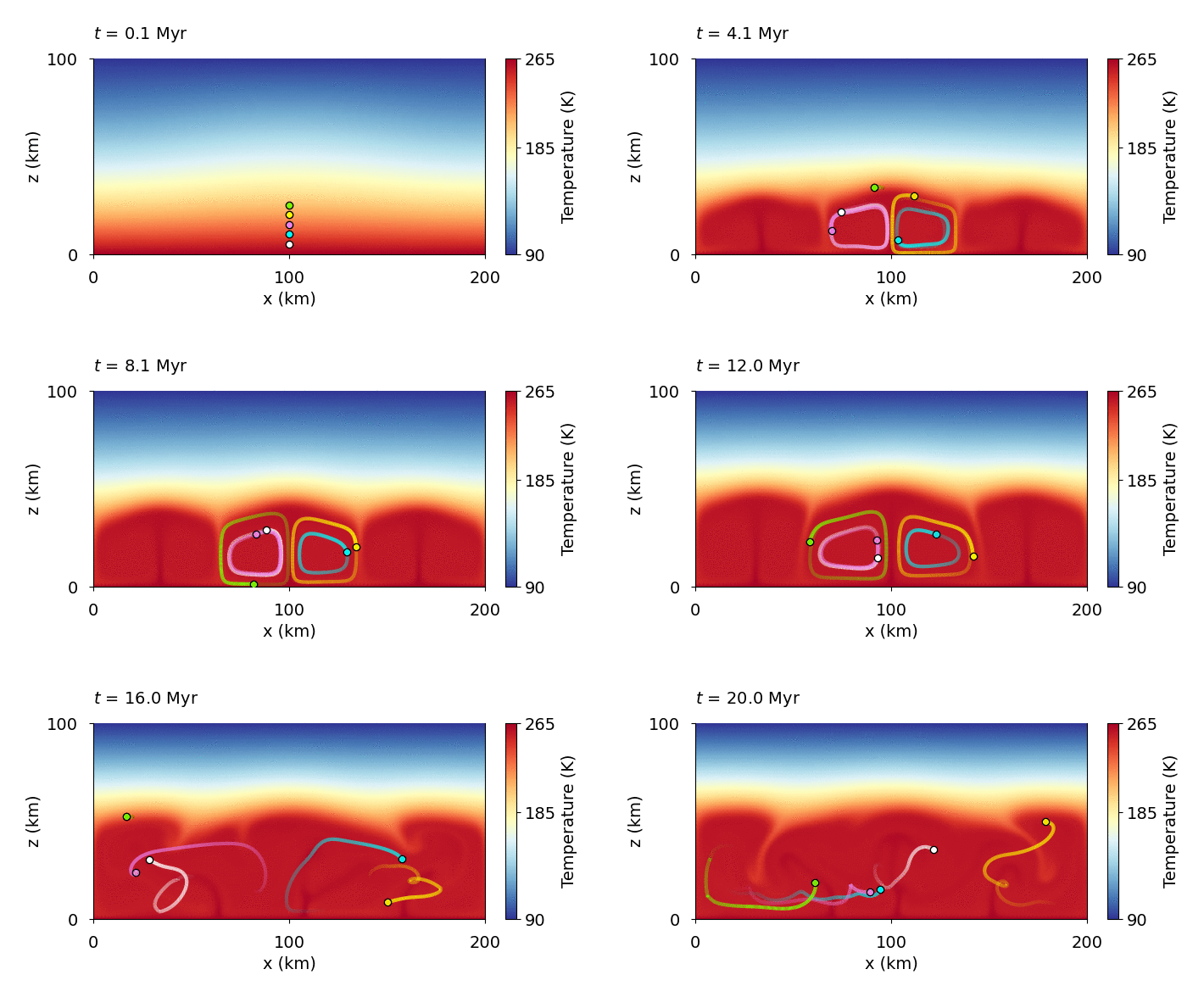
- plot_demo.plot_trajectories
- Var:
Whether to plot streamlines based on the velocity field.
- Vartype:
boolean
Hint
For example, to plot the tracers with IDs from “a” to “e” (defined in the parameter file):
plot_trajectories = [["a", "white"], ["b", "aqua"], ["c", "violet"], ["d", "yellow"], ["e", "lawngreen"]]
- plot_demo.show_time
- Var:
Whether to show time in the simulation. Units and position in the figure can be adjusted on the following line
if (show_time == True): ax.text(0, 1.1*z_label_val[-1], r"$t$ = "+str("{:.1f}".format(ii[2]))+" Myr", fontsize = font_size)- Vartype:
boolean
- plot_demo.skip_plotting
- Var:
Whether to plot the data
Trueor to skip plotting and directly make an animation from already existing figuresFalse- Vartype:
boolean
Warning
If the animation memory requirements are too high for
convert -delay, making of the gif can fail. In that case, some time steps can be skipped, the resolution can be lowered, or some external tools may be used to make the animation.
- plot_demo.tail
- Var:
What type of tail to use for plotting the trajectory of the tracers.
- Vartype:
"full","comet"or"none"
The option
"full"shows the full trajectory, but the image soon becomes unclear.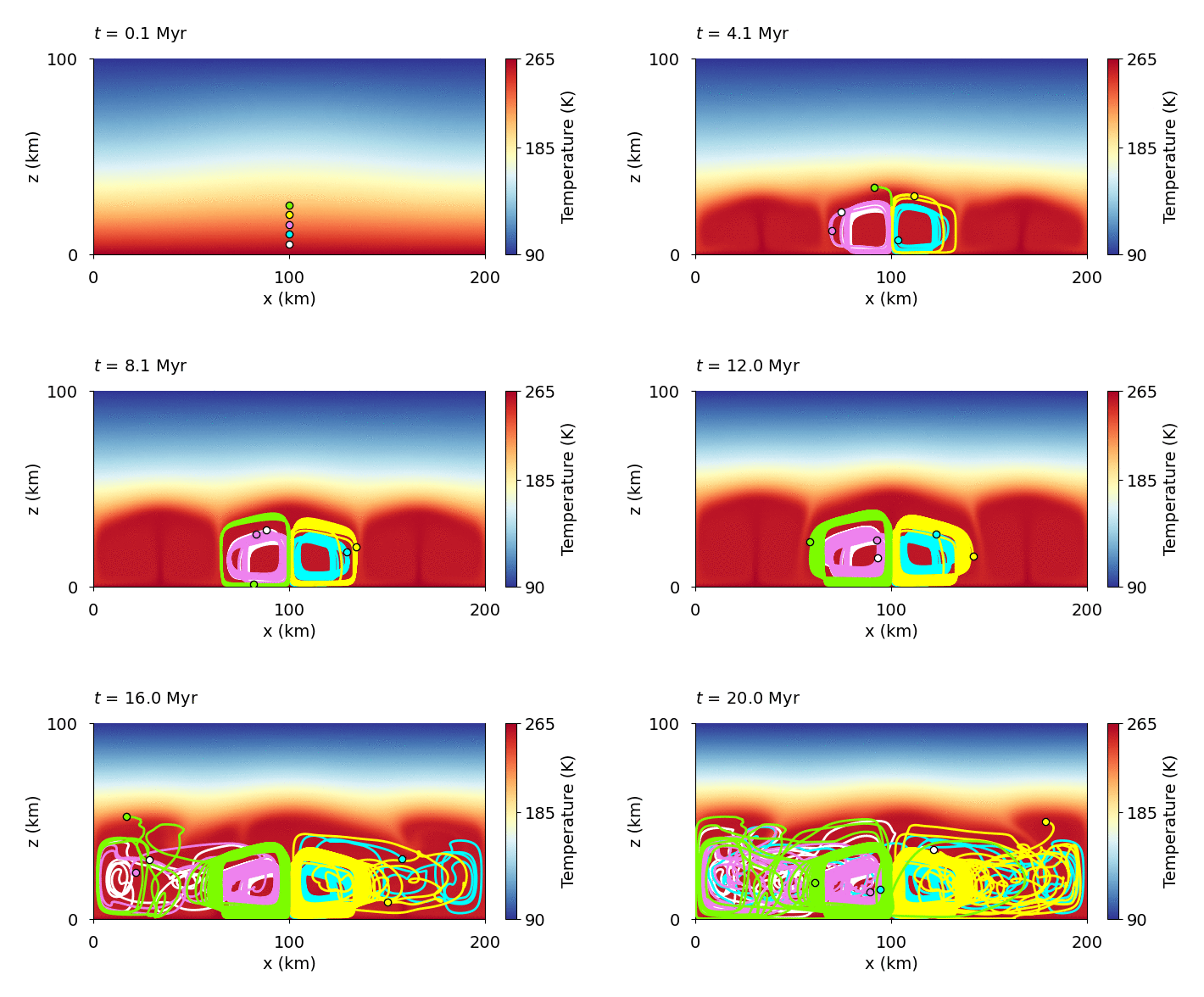
The option
"comet"creates a comet-like tail which increases the clarity of the figure, as the tail length is given by thetail_lengthparameter (here set to 500 steps).